My Laptop Is My Server Now: opencode on Android Over Tailscale
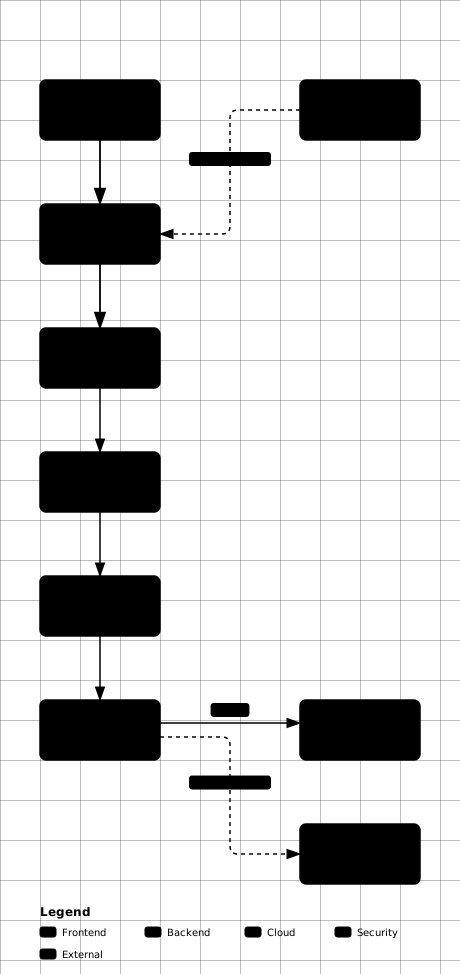
I wanted my coding agent in my pocket. Not a VPS bill, not a laggy remote desktop — just my laptop, my phone, and the same terminal session on both ends. So I turned my CachyOS laptop into a server I can reach from anywhere.
The shape of it
The whole stack is off-the-shelf parts: Tailscale for the private network, OpenSSH hardened to keys only, mosh so typing survives network switches, tmux so the agent outlives my phone screen, and moshi-hook for phone-native approvals and diffs. Moshi is the primary client on Android; Termux is the emergency fallback. GitLab is the backup truth — the live truth is the tmux session.
| Layer | Choice | Why |
|---|---|---|
| Network | Tailscale free tier, P2P mesh | No public IP, no port-forward, nothing to scan |
| Shell | OpenSSH, key-only, no root login | No passwords to brute-force |
| Roam | mosh over the tailnet | Survives sleep, IP change, app kills |
| Persist | tmux work session |
Agent keeps running when the phone sleeps |
| Phone UX | Moshi plus moshi-hook | Approvals, diffs, notifications |
| Backup | GitLab per-project repos | Live in tmux, durable in git |
What we rejected, and why
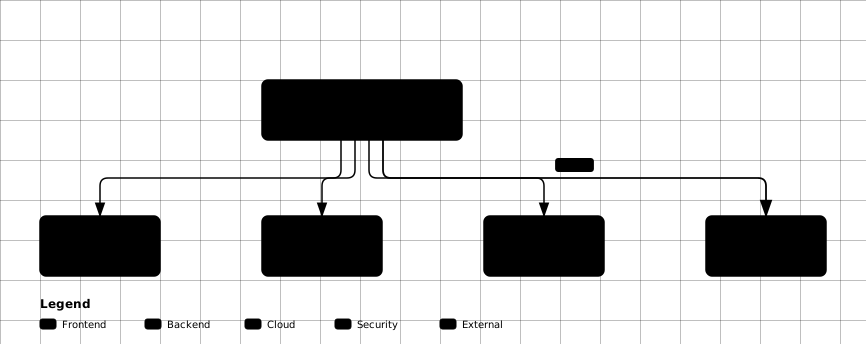
RDP gives pixels where a terminal is needed. A public SSH port paints a target on the internet for no benefit. A VPS only makes sense when the laptop cannot stay on. The mesh won on every axis that mattered: cost, attack surface, and session continuity.
I also evaluated NetBird (same mesh job, fully self-hostable — my second choice) and Pangolin (a hub-and-spoke proxy that needs its own public server, so every byte bottlenecks through a box I’d have to rent — wrong tool here).
The two-privilege rule
This is the part I’d defend in front of any security reviewer. All setup scripts live reviewed in a repo. They split into two classes: human-sudo-once (package install, service enable, firewall — I type the password in my own terminal) and agent-safe userspace (tmux, git, checks — no privilege at all).
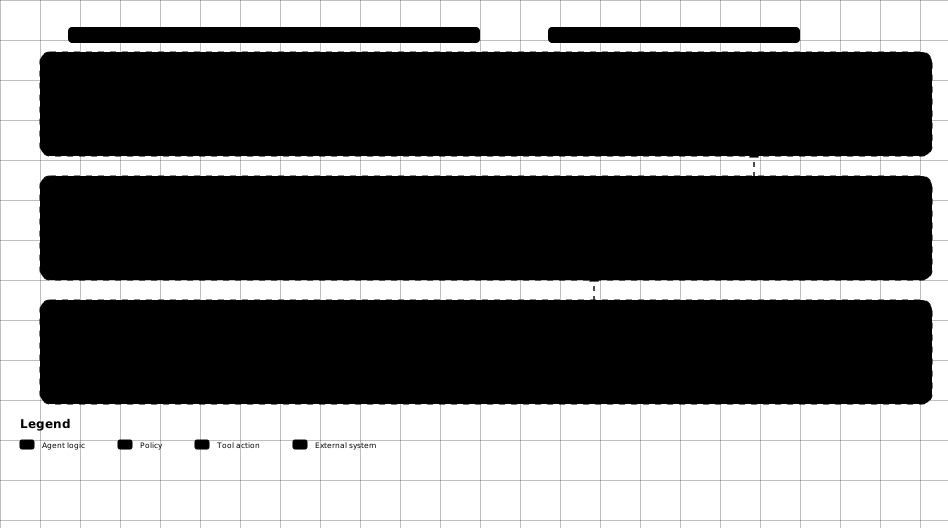
Proof the boundary holds: my agent shell literally cannot sudo — it
fails with a terminal is required to read the password. The
agent also gets an audited footprint: I review
authorized_keys, user services, and tailnet devices on a
schedule, and a permission denylist is drafted (its config schema is
still unverified, so it stays out of the deployed path until
confirmed).
Two findings from that audit are worth naming honestly. My account is still in the docker group, which is root-equivalent without sudo — leaving it is one sudo command and sits on my list, not done yet. And the phone key is not installed yet, so remote approvals wait on pairing: the hook daemon serves locally today and the phone step is last.
The command that killed my desktop
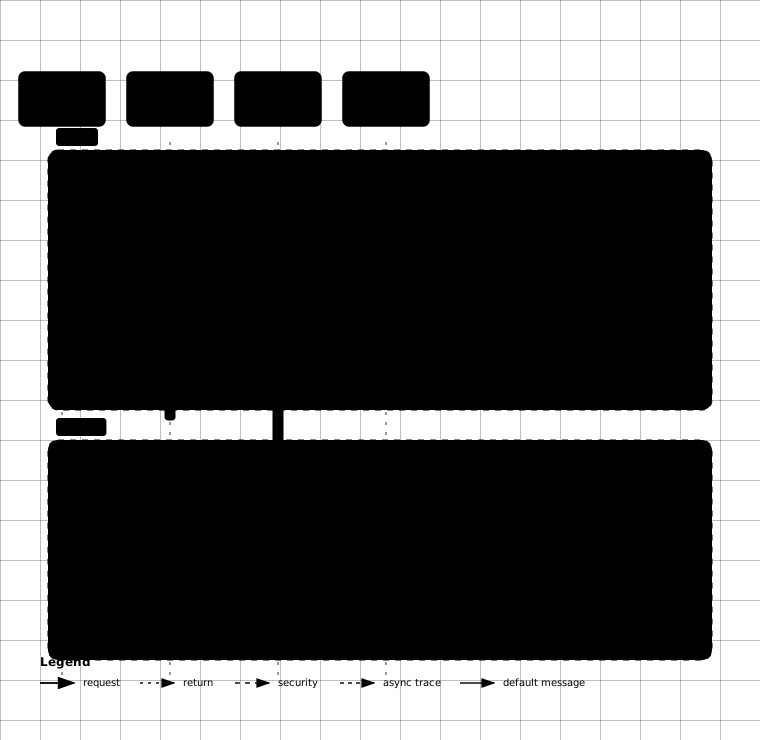
Then I made my own incident. Buried in my one-paste setup block was
systemctl restart systemd-logind — meant to apply a
lid-switch config. The evidence is timestamped:
| Time | Event |
|---|---|
| 13:56:47 | restart systemd-logind executes |
| 13:56:47 | kwin_wayland: not in control of this session on every
input device |
| 13:57–14:00 | DRM permission loop, desktop unresponsive, kicked to greeter, re-login fails |
| 14:00:31 | Reboot — fresh session, fully recovered |
Restarting the login manager while a Wayland session holds the GPU revokes its devices permanently — the compositor never recovers. The config itself was harmless; only the restart was destructive. The fix: drop-in files apply on next reboot, guardrail comments in every script forbid restarting session services, and the incident is documented with logs so I never re-learn it.
How the phone connects
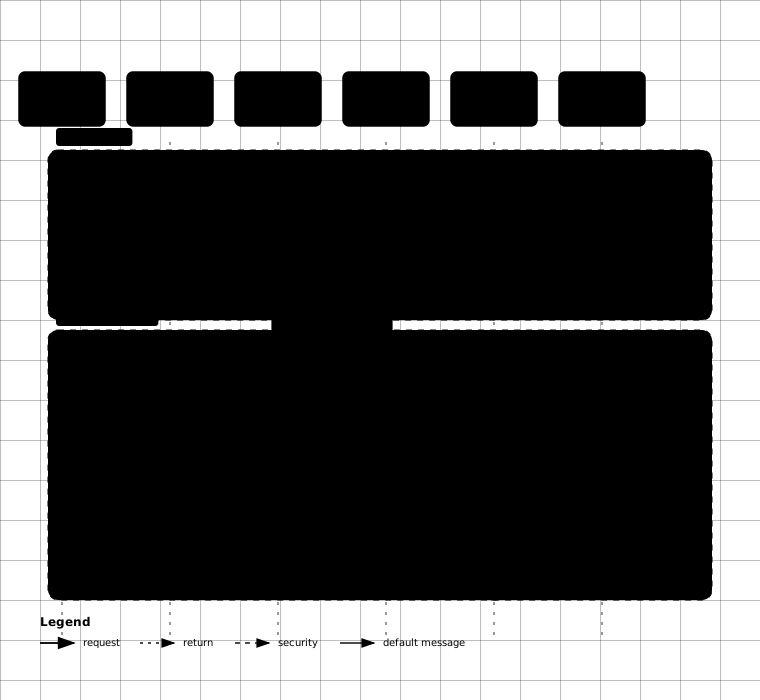
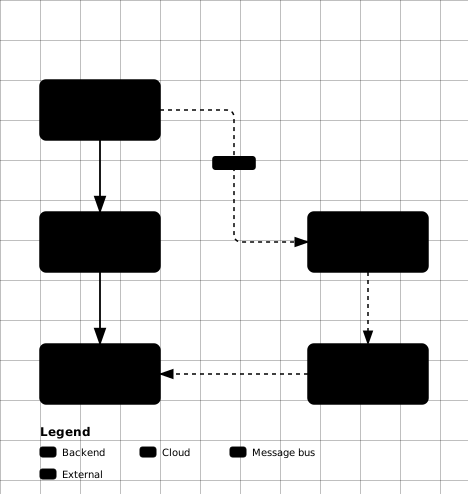
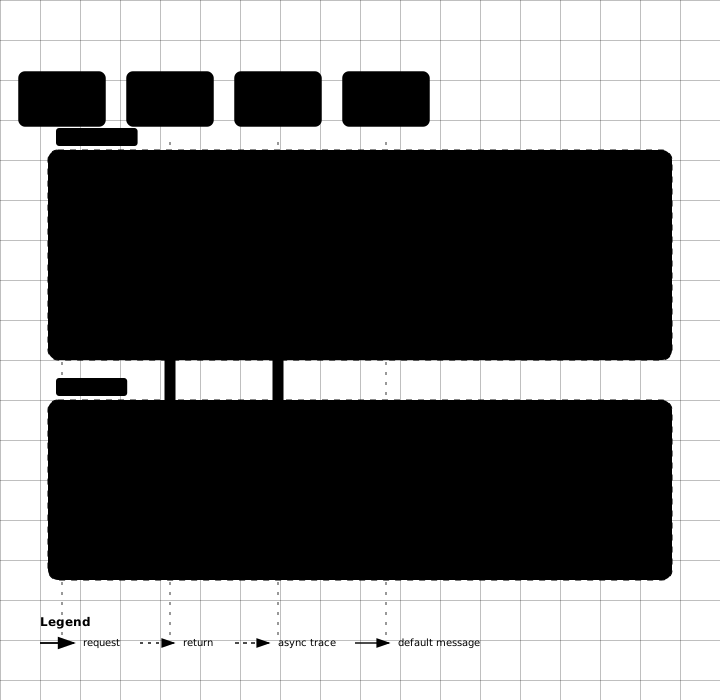
One tap attaches the same session the desk uses — no duplicate agent process per device. And when the phone switches networks mid-thought, the session roams instead of dying:
Threat model, stated plainly
The agent runs as my UID, so it already stands inside every door my user can open — sudo or no sudo. No diagram could survive the validator for this fan-out, so here it is as a table, which is the honest format for it:
| Surface | Status today | Control |
|---|---|---|
| SSH private key | Readable by agent | Phone gets its own per-device key, revoked independently |
| API keys in agent config | Readable by agent | Scoped keys, minimal permissions, rotation on suspicion |
authorized_keys |
Writable (backdoor risk) | Scheduled audit, currently empty — phone key goes here last |
| User systemd services | Writable (persistence risk) | Scheduled service review |
| Docker socket | Root-equivalent, still a member | Open: leave group via one sudo command |
Backup loop
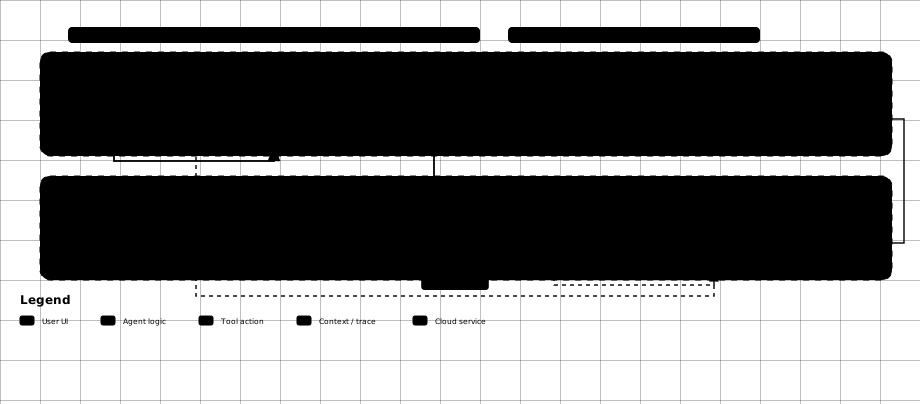
Work live in tmux, commit at milestones, push at session end, review diffs through the hook viewer. Git is the backup, not the transport — nobody push-pulls per keystroke.
Before and after
| Area | Before | After |
|---|---|---|
| Remote access | None — desk only | Recipe ready, key install is the last human step |
| Agent continuity | Dies with the terminal | tmux survives sleep and phone reboots |
| SSH | Disabled | Key-only drop-in on disk, per-device keys |
| Hook daemon | Missing | Serves locally, remote unlocks on pairing |
| Secrets | Standing access everywhere | Scoped keys, audit scheduled, two steps left |
| Power | Sleeps whenever | Lid locks (never suspends) on AC, services autostart |
| Backup | Live files only | tmux is live truth, GitLab is backup truth |
No VPS bill. No open ports. No custom daemons. Just packaged tools, a privilege boundary that holds, two human steps left, and one incident I will not repeat.